PDF Usage and Troubleshooting
Make document work
a little easier.
Step-by-step guides you can apply directly to your documents.
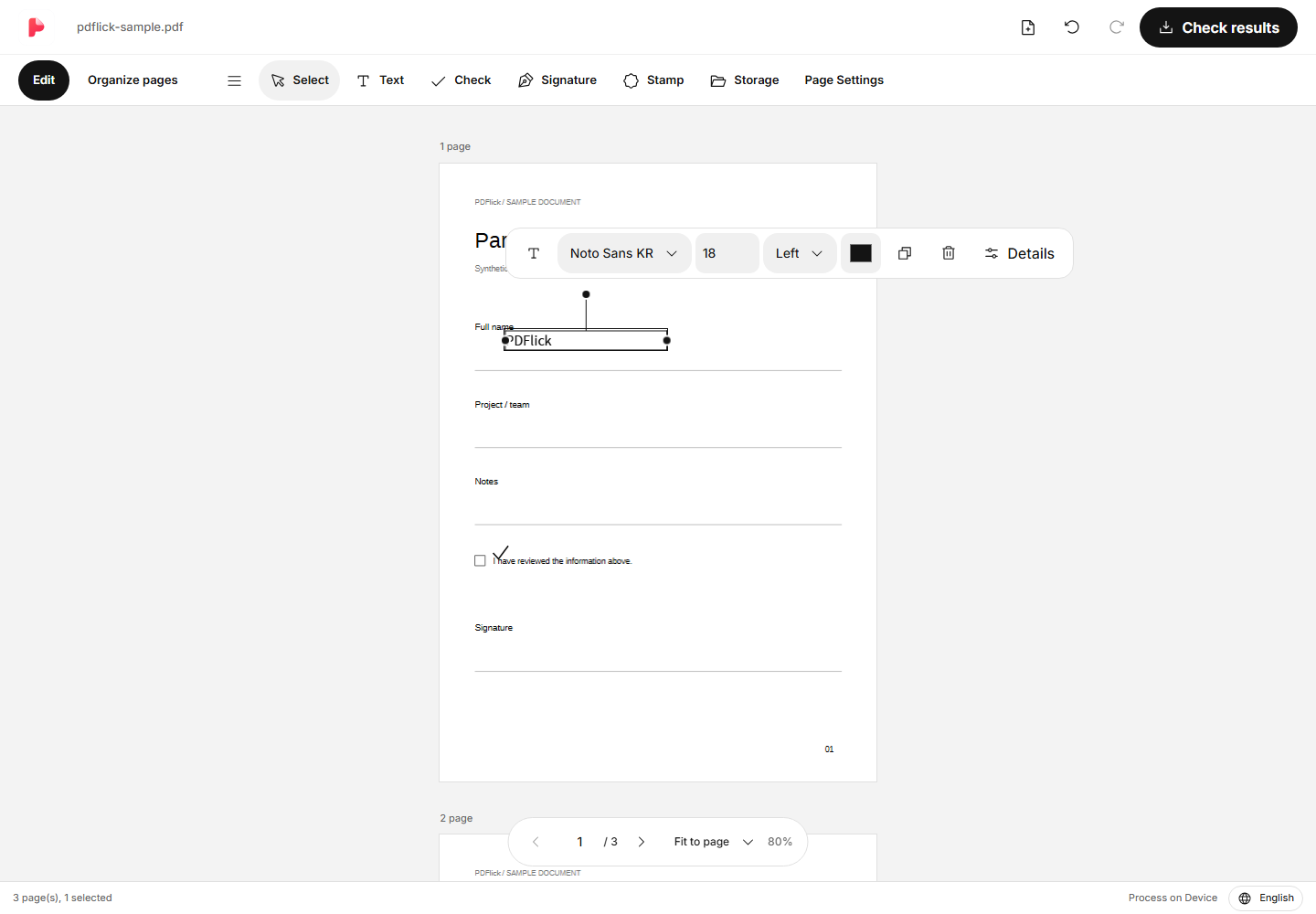
Editing in PDF
How to add text and check marks in PDF
Enter text and add check marks at the desired location in the document. Instructions include editing, moving, deleting, and checking the results.
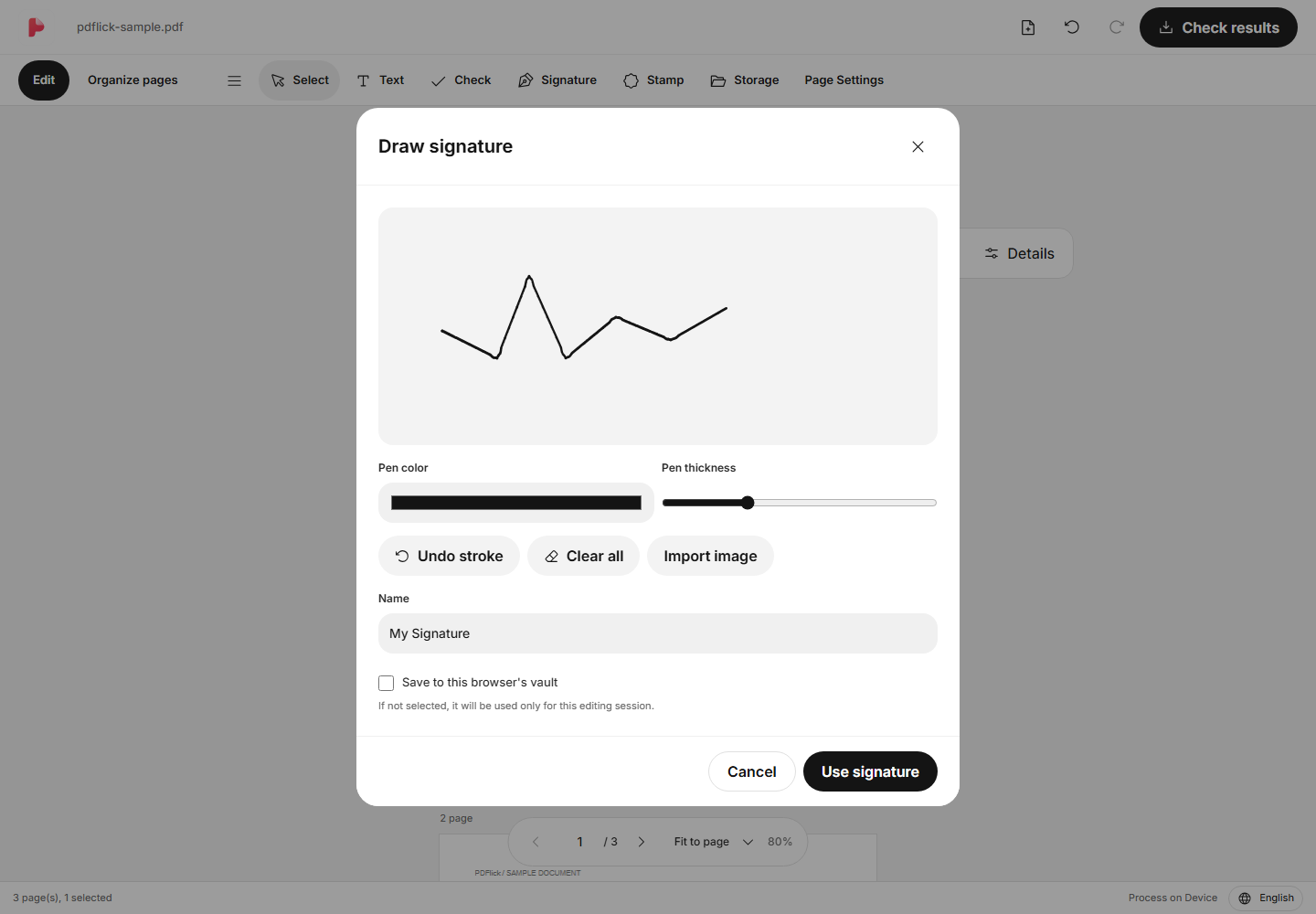
Signature & Seal
How to insert a hand-drawn signature in PDF
Learn how to draw a signature with a mouse or touch, and adjust its position and size on the document.
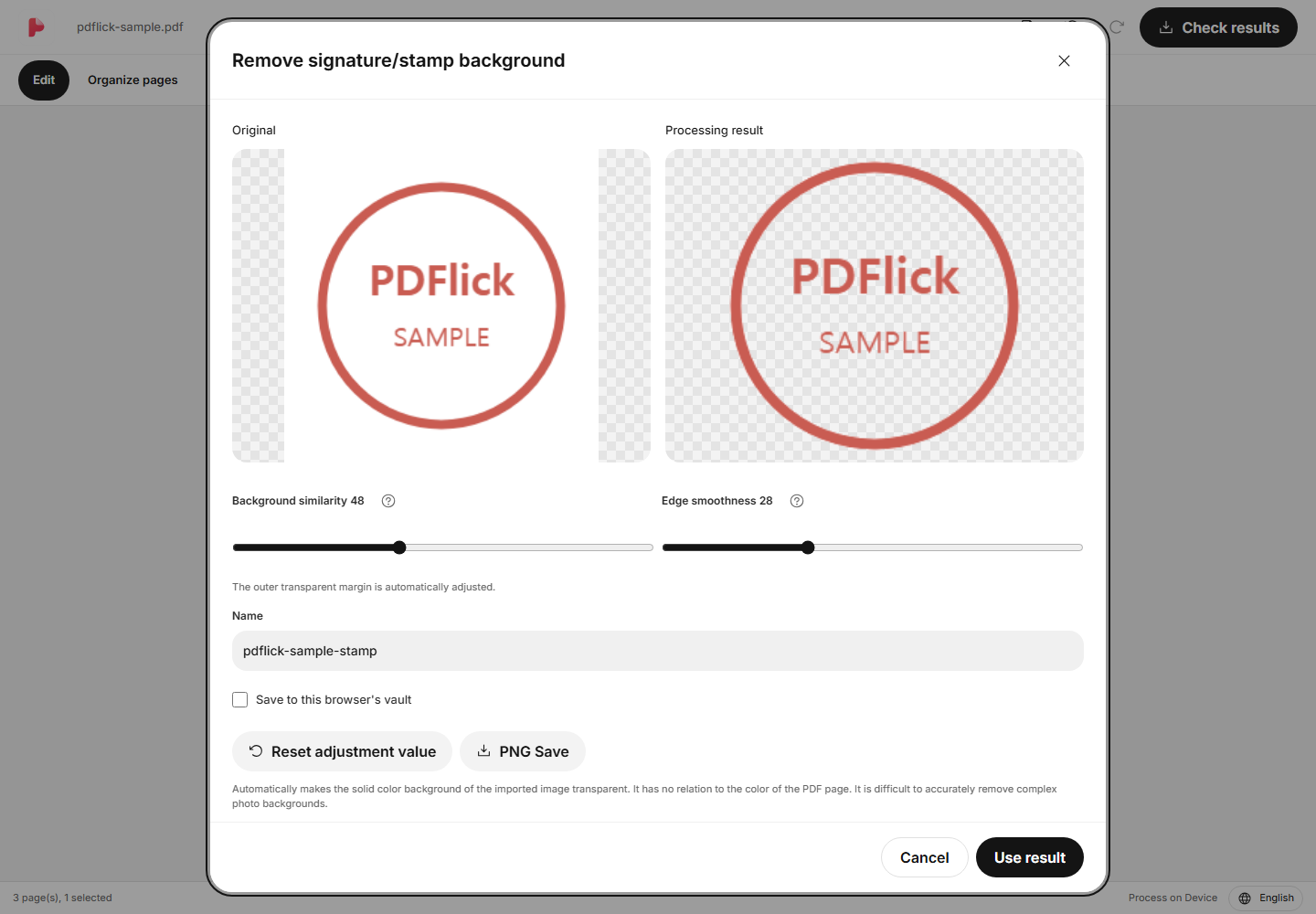
Signature & Seal
How to remove the white background from a seal image and insert it into PDF
This shows how to make a solid-colored background transparent, compare the seal strokes, and place it in PDF.
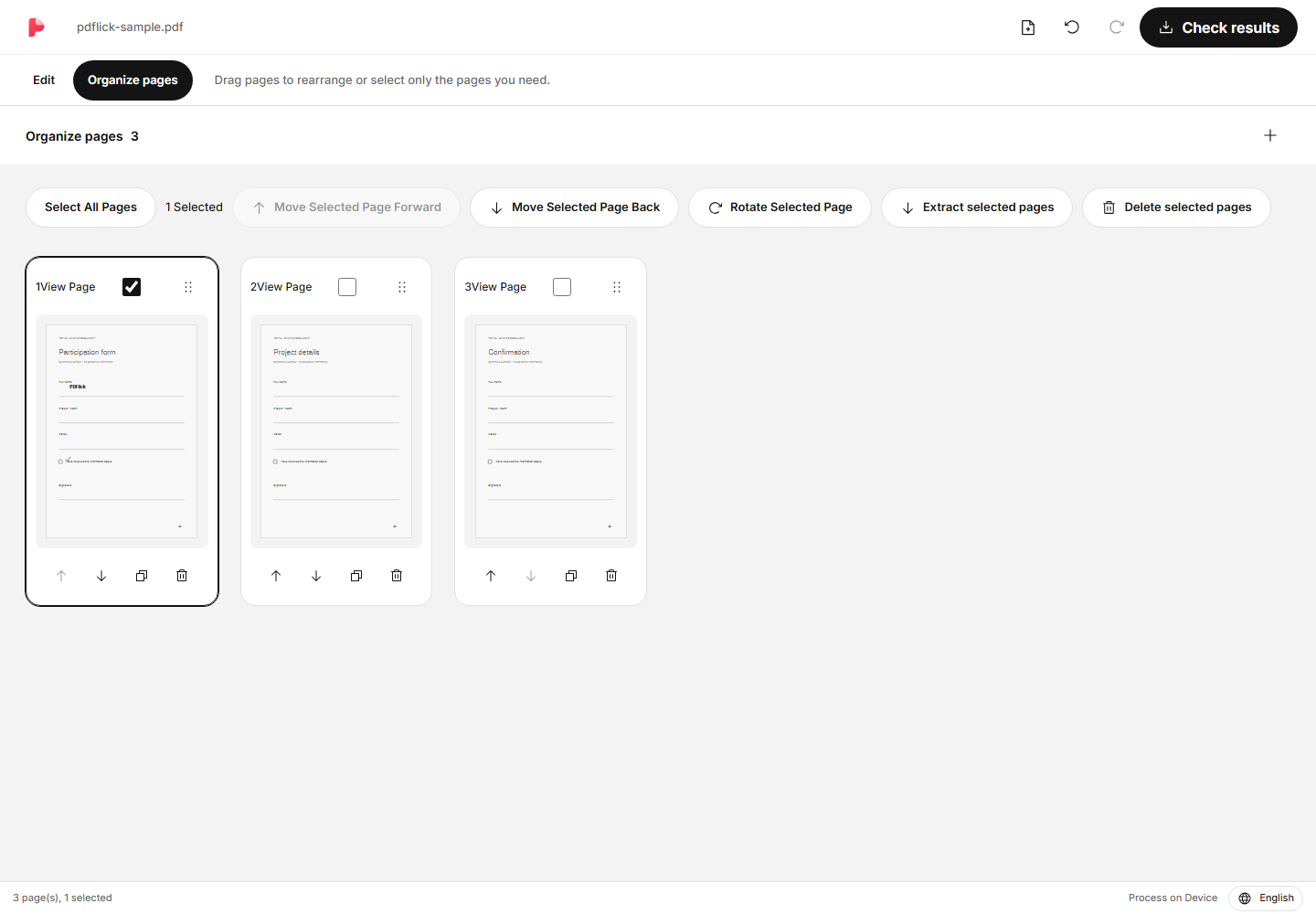
Page Management
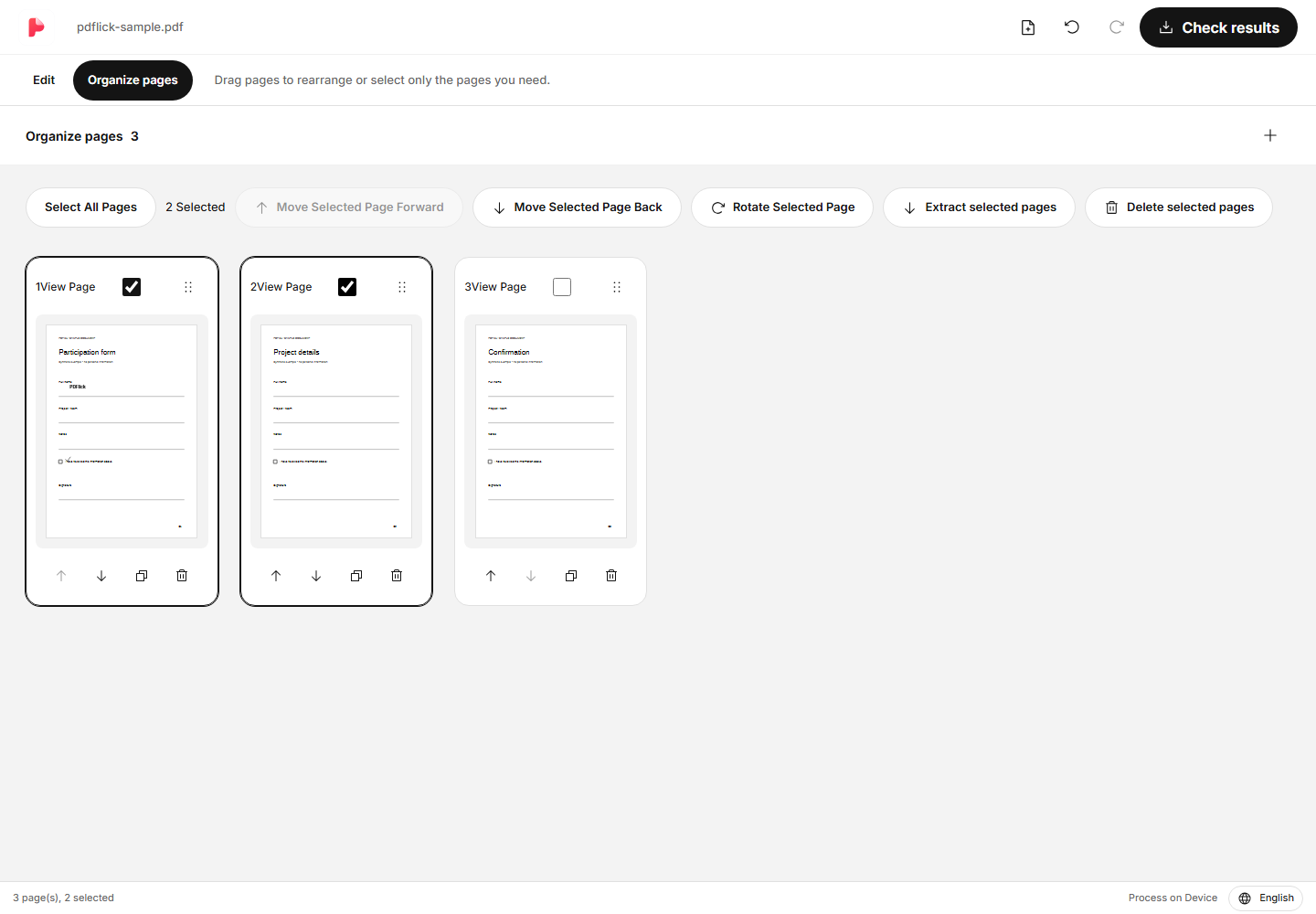
How to merge multiple PDFs and change the page order
Open the documents together and rearrange them in the page organization view in the desired order. Keyboard navigation methods are also provided.
Page Management
How to extract only the necessary pages from PDF and rotate or delete them
This guide explains how to save only specific pages to a new PDF, correct orientation, and remove unnecessary pages.
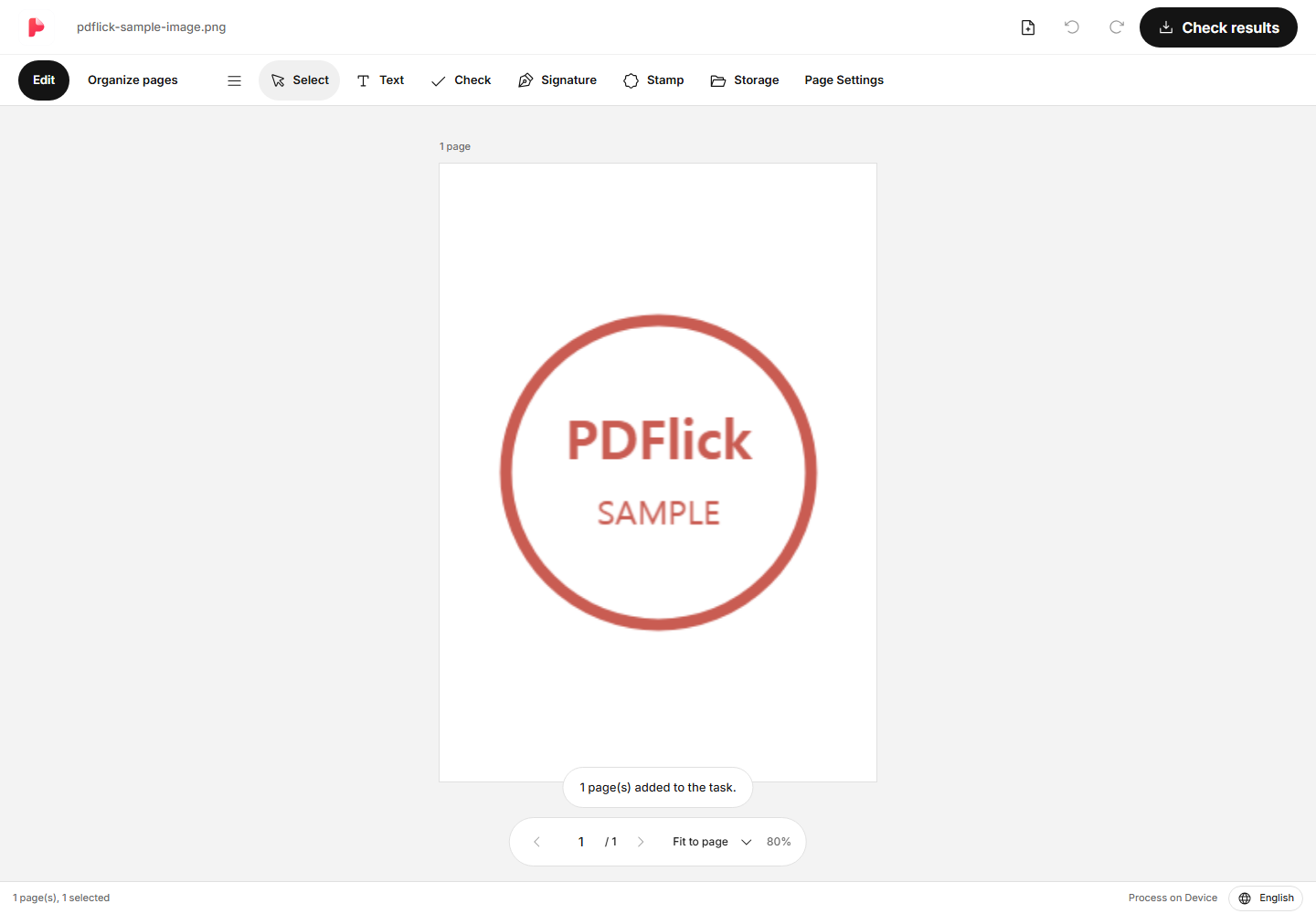
Image PDF
How to change JPG and PNG to PDF and adjust paper size and margins
This shows how to change an image to PDF while selecting A4, Letter, original ratio, fit-to-page or fill, and margins.